01 · Publish
Hand cyantula a URL, a zip or a conversation. It builds and runs the app behind the gateway.
THE PLATFORM
cyantula is the wall and the engine for every app your colleagues build: it authenticates the visitor and runs the app behind the same door.
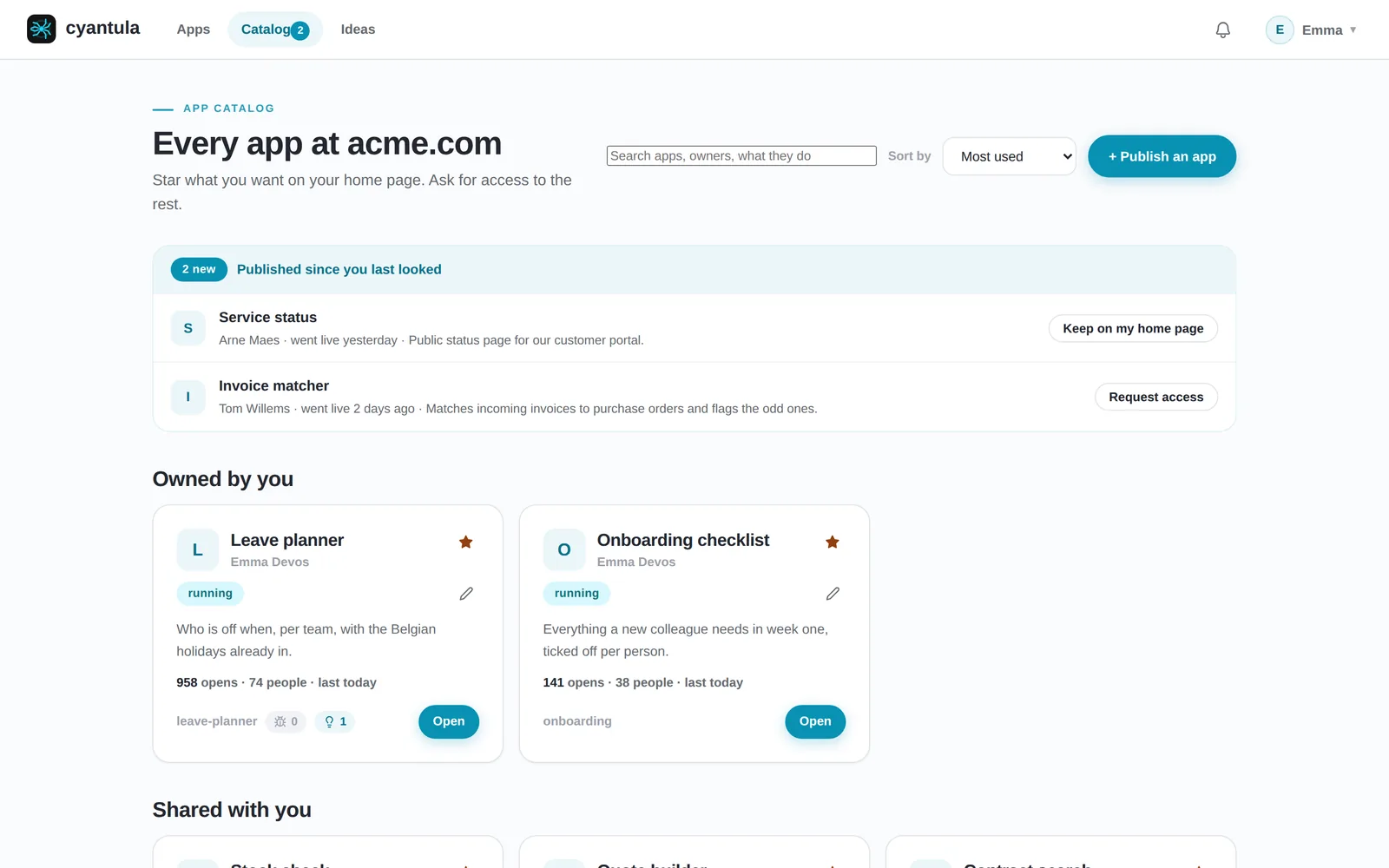
ONE DOOR
cyantula puts Google login, locked to your Workspace domain, in front of every app. Each request reaches the app with verified identity headers (email, name, role) plus a signed identity token, and the gateway strips any identity header a client sends itself. The app never writes login, and it never handles a password.
Request headers the app receives:
X-Spin-User-Email: alex@yourcompany.com
X-Spin-User-Name: Alex De Smedt
X-Spin-User-Role: member
X-Spin-Identity: eyJ...
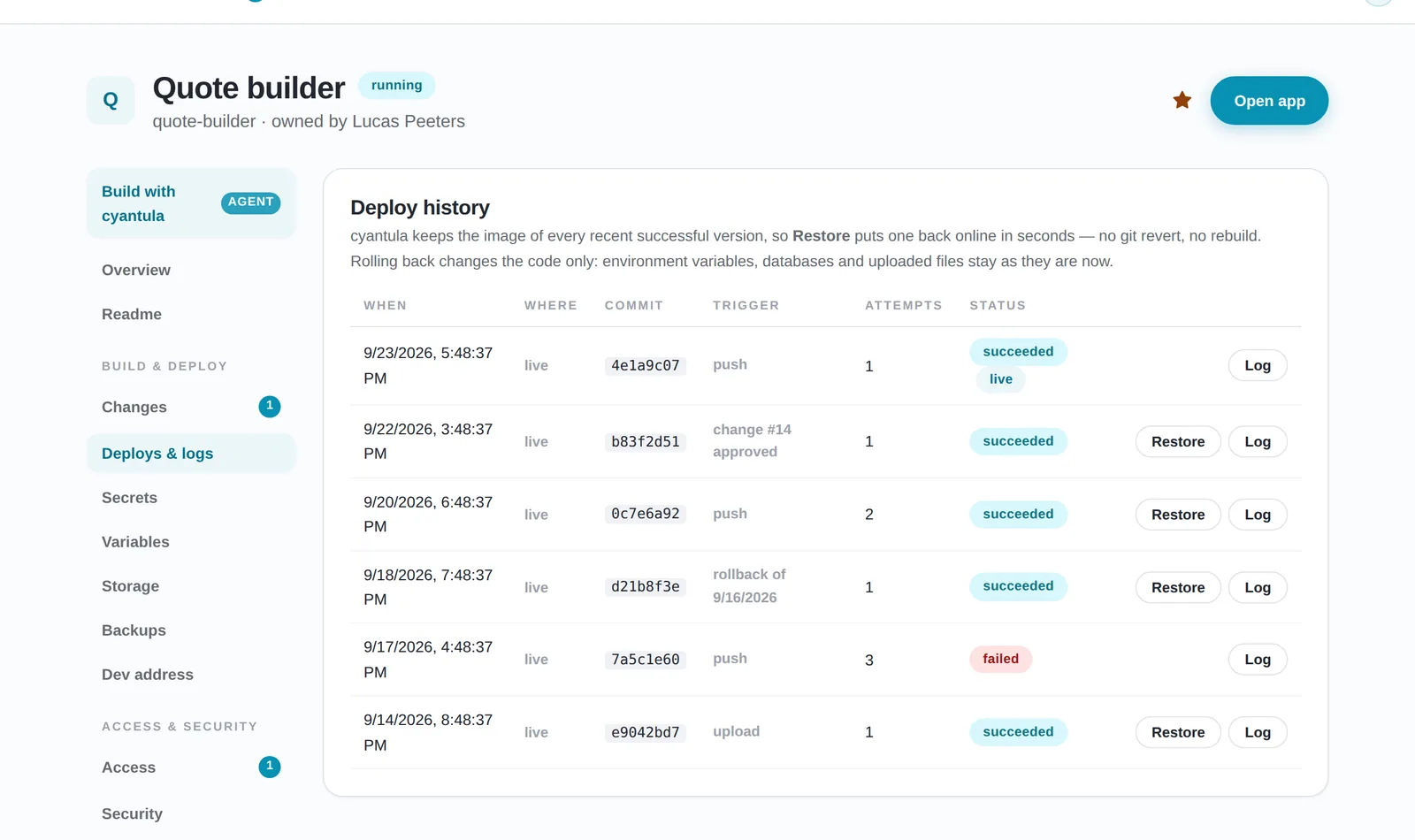
HOSTING & DEPLOYS
cyantula runs the app behind the gateway, so hosting is not a second tool you wire up. Publishing is a URL, a zip or a conversation. A new version starts next to the old one and only takes traffic once it answers, and every earlier version can be restored in seconds. Deploys, rollback and nightly backups live in the platform, not in the app the colleague wrote in an afternoon.
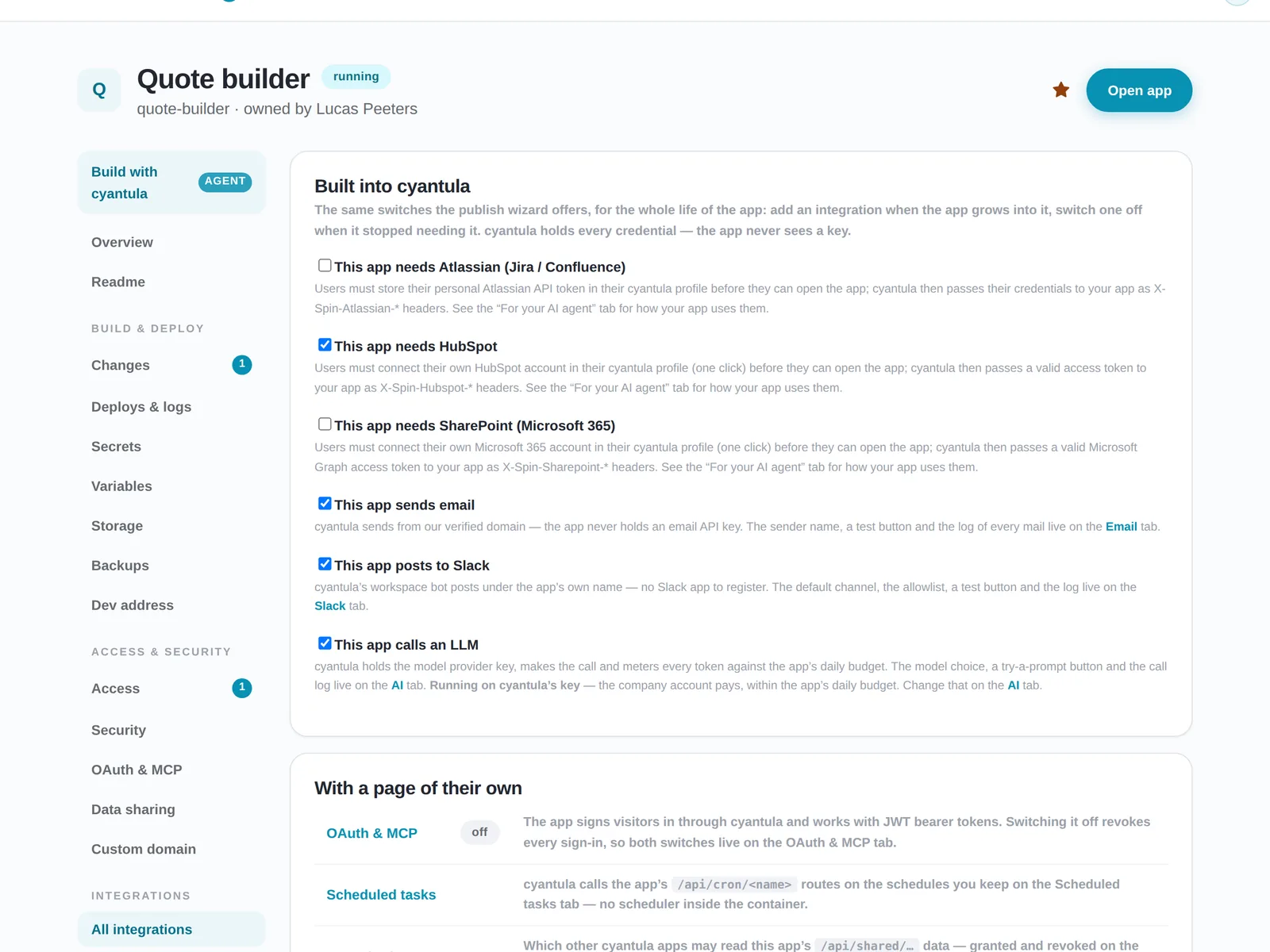
INTEGRATIONS
Everything you would otherwise bolt onto each app separately sits in the platform once: mail, Slack, Jira and Confluence, HubSpot, SharePoint, an LLM, cron, a status page, feedback and usage statistics. You turn each one on per app with a tick, instead of wiring the same integration again for every tool.
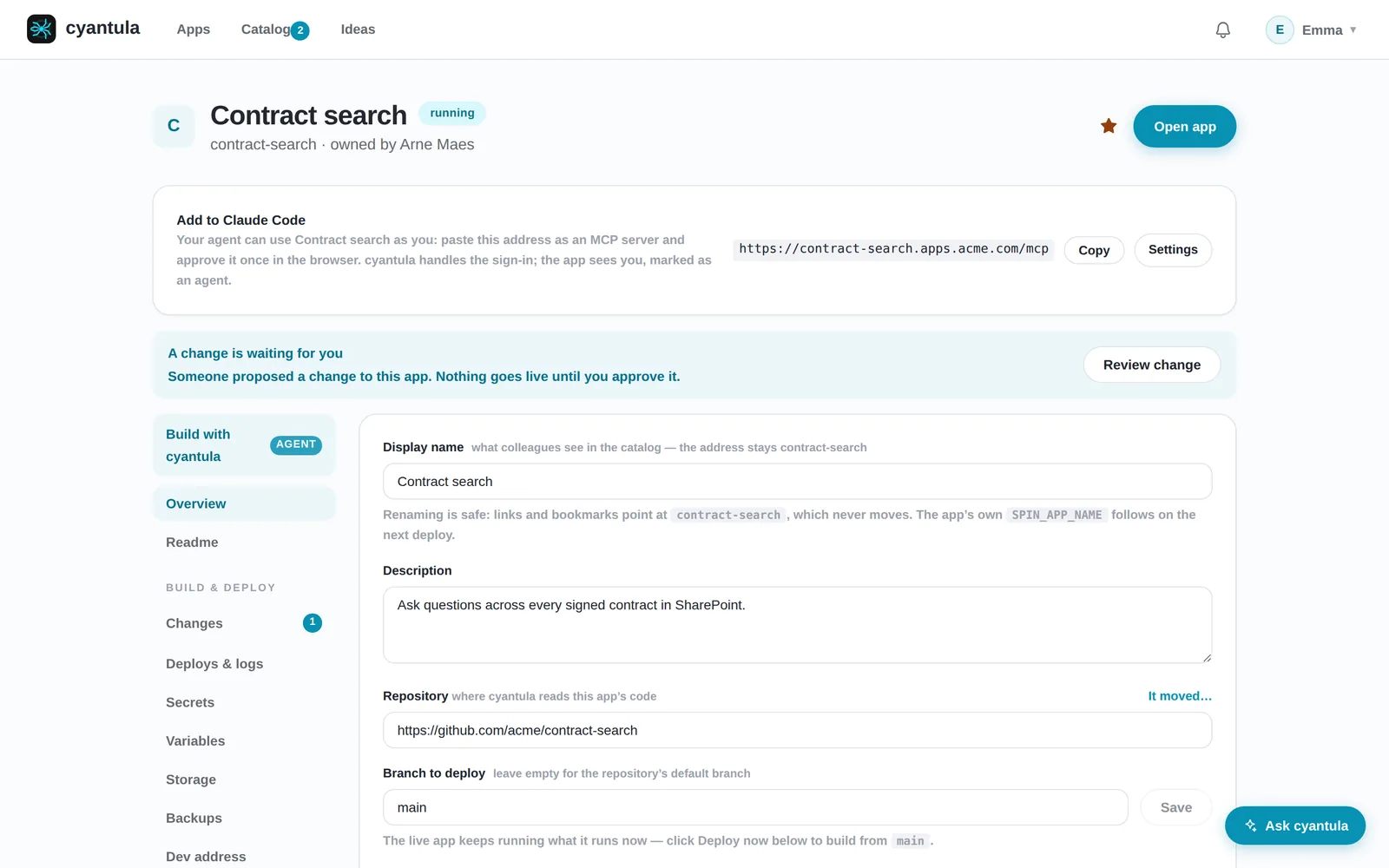
AI LAYER
cyantula ships with an MCP server, so Claude Code and other coding agents publish, repair and manage apps through the same door as a person. The agent is a real user of the platform with its own governance, not an add-on bolted onto a dashboard built for clicks.
GOVERNANCE
IT gets a view of what is running and control over it, per app, without becoming the bottleneck that has to review every app first. Every app has an owner, an access list, an audit trail, uptime and usage, and cyantula asks the owner about apps nobody opens anymore. The choice is no longer shadow-IT on a laptop or IT reviewing everything; cyantula answers both at once.
HOW IT WORKS
Three steps take an app from a laptop to behind your login.
WHERE IT FITS
cyantula does the whole job in one product: the wall, the hosting, the integrations, the AI layer and the governance. The tools below each do part of it well, and this is not a knock on any of them. The difference is what cyantula does together.
| Capability | cyantula | Coolify / Dokploy | Cloudflare Access / Pomerium | Posit Connect | Retool |
|---|---|---|---|---|---|
| Identity wall (auth gateway) | yes | they stop at the container | yes | yes | yes |
| Hosting and deploys | yes | yes | they stop at the sign-in wall | data apps only | builds inside Retool |
| Shared integrations per app | yes | wire each app separately | wire each app separately | not shared across apps | within Retool only |
| AI agent layer (MCP) | yes | dashboard built for clicks | no agent interface | no agent interface | no agent interface |
| IT governance and visibility | yes | per-server, not per-app | access rules only | per-tool, not per-app | within Retool only |
cyantula is the internal app platform that runs every self-built app behind your Google Workspace login, with hosting and integrations already wired in. It authenticates the visitor and runs the app behind the same door.
Teams where colleagues already build their own tools, and where one IT person can no longer review every app by hand. Sign-in is locked to your Google Workspace domain.
cyantula puts Google login, locked to your Workspace domain, in front of every app. The app never writes login and never handles a password. Each request reaches the app with verified identity headers (email, name, role) plus a signed identity token, and the gateway strips any identity header a client sends itself.
Publishing is a URL, a zip or a conversation. cyantula runs the app behind the gateway, so hosting is not a second tool you wire up. A new version starts next to the old one and only takes traffic once it answers, and every earlier version can be restored in seconds. Deploys, rollback and nightly backups live in the platform, not in the app.
The free licence covers 1 app builder, unlimited apps and up to 5 users. Companies pay per user from €5 per month, billed yearly. The first ten teams we onboard get free setup support. You can install cyantula yourself today: see the install guide at https://cyantula.app/docs/install/. Prices exclude VAT.
cyantula runs on your own infrastructure by default. If you would rather not run it yourself, Kobozo hosts it for you from €51 per month. The app never sees a password and never holds a platform credential. The gateway strips every identity header a client sends and replaces it with verified ones.
Deploys, rollback, backups, mail, Slack, Jira, HubSpot, an LLM, cron, a status page, feedback and usage statistics. They sit in the platform once and switch on per app with a tick.
Yes. An MCP server lets Claude Code and other coding agents publish, repair and manage apps through the same door, with the same governance as a human user.
Install cyantula on your own server with one command. Free for one app builder and up to five users, for good.