INTERNAL SOFTWARE FACTORY
The internal lane: boundaries, visibility, recoverable failures.
Some teams call this a two-speed software factory. Internal software built with AI can stay low-touch, and run fairly on its own, when the boundaries are clear, visibility is good, and failures are recoverable.
THE FAST LANE
The afternoon build is not the hard part
AI can build an internal tool in an afternoon. The internal fast lane only works if the guardrails do not have to be rebuilt for every tool.
Shared boundaries, shared visibility and a shared way back are what let the next tool stay low-touch.
THREE CONDITIONS
A checklist you can use with or without a platform
Walk through it for any internal tool that colleagues already rely on.
Boundaries
The tool sits behind the company login. Access is explicit for each app. The tool does not get its own separate login.
Visibility
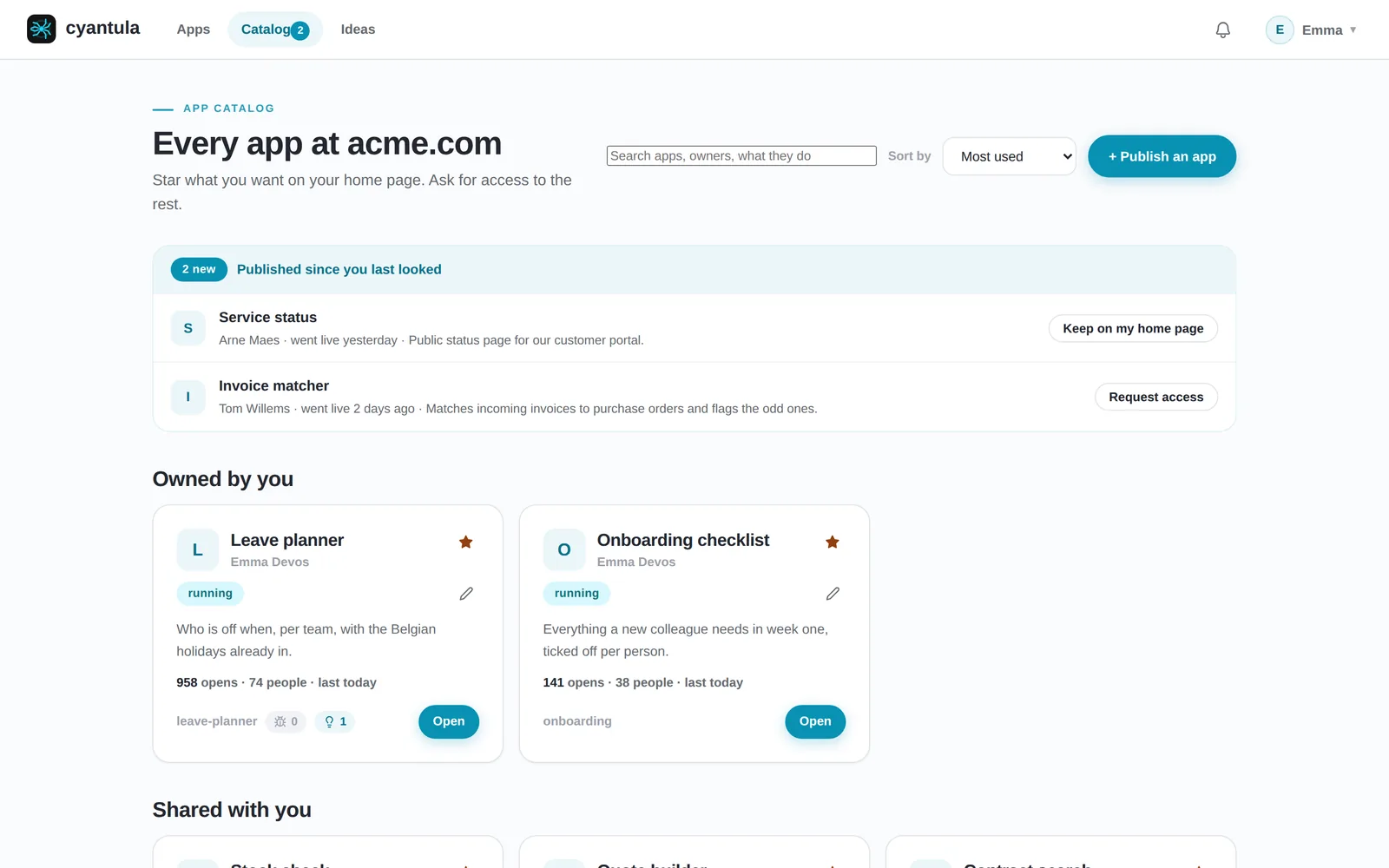
Every app has an owner. IT can see all apps, including the ones nobody uses. Uptime is checked, so someone hears when an app stops answering.
Recoverable failures
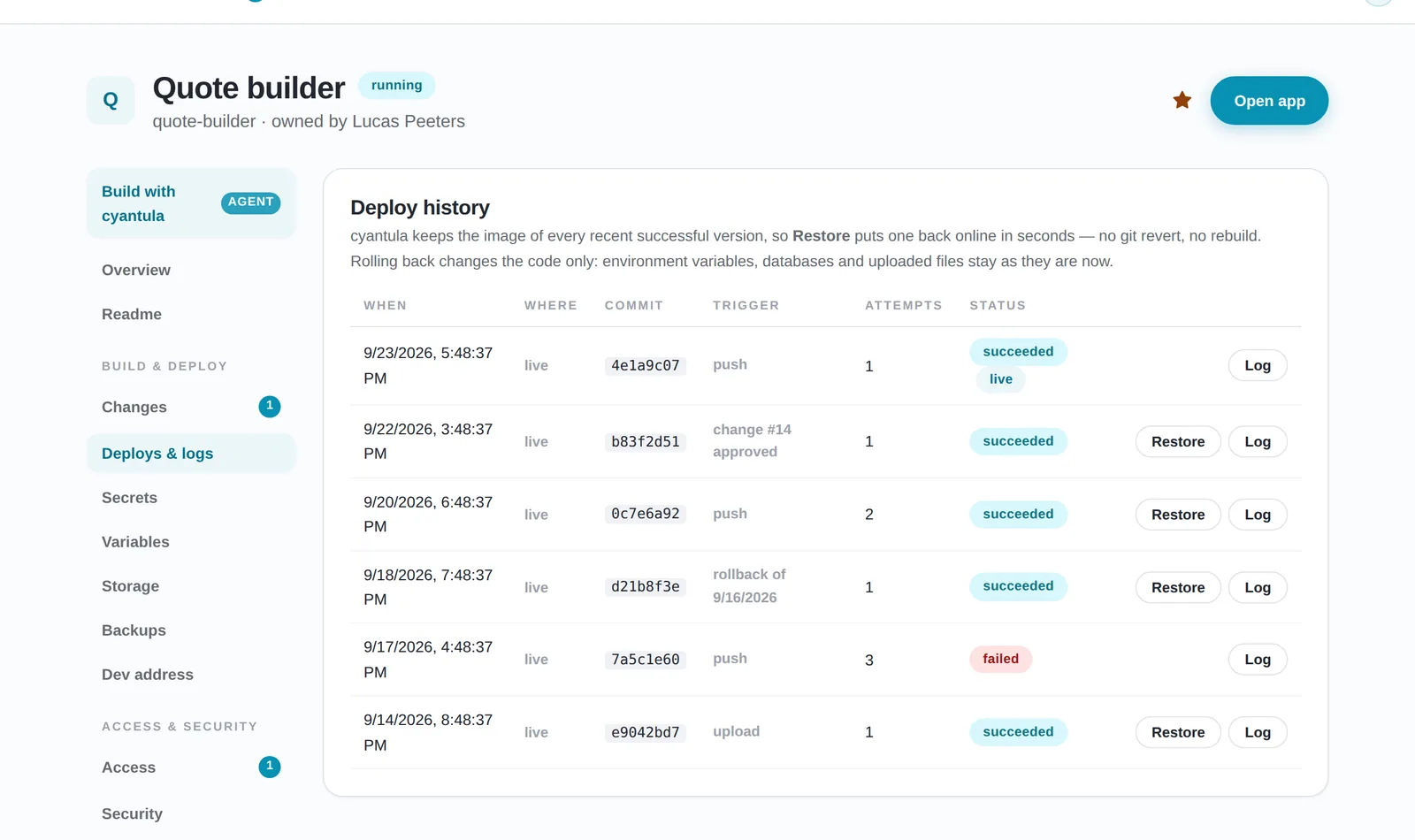
A new version runs next to the old one. Each change has a test address, and the owner approves it before it goes live. You can roll back without a rebuild. Backups include a safety copy taken before a restore.
NOT EVERY TOOL
When internal is not low-risk
A tool that moves money, changes access or touches personal data needs a stricter review, a smaller access list, and the owner approves every change.
The low-touch lane is for tools that stay inside the three conditions above.
HOW CYANTULA DOES THIS
How cyantula keeps the guardrails in one place
An Anthropic key powers autofix and the review of every commit. A new commit does not go live on its own: cyantula notices it and tells the owner, who clicks Deploy. Proposed changes wait for the owner. There is a test address per change. A new version starts next to the old one and only takes traffic once it answers, and you can restore without a rebuild.
Backups are made of the database and files, with a safety copy before every restore. Every app has an owner and an access list. Uptime is monitored, and the owner hears when an app stops answering. IT sees all apps at once, including unused ones.
Each request reaches the app with verified identity headers and a signed identity token. The gateway strips any identity a client tries to send, and replaces it with the verified one. The app never implements login. It runs on your own infrastructure by default, behind your existing company login (Google Workspace today).
Frequently asked questions
When can an internal tool run with little day-to-day oversight?
When the guardrails are already shared: the tool sits behind the company login with explicit access, someone owns it and IT can see it, and a bad change can be undone. Those pieces should not be rebuilt for every tool.
What belongs in the boundaries of an internal tool?
The company login in front, an explicit access list for that app, and no separate login inside the tool.
What does visibility mean for internal apps?
Every app has an owner. IT can see all apps, including the ones nobody uses. Uptime is checked, so someone hears when an app stops answering.
Which internal tools are not low-risk?
Tools that move money, change access or touch personal data. They need a stricter review, a smaller access list, and the owner approves every change.
How does a change go live in cyantula?
An Anthropic key powers autofix and the review of every commit. A new commit does not go live on its own: the owner clicks Deploy. There is a test address per change, a new version starts next to the old one, and you can restore without a rebuild.
See these guardrails on a running app
Install cyantula for free and put your first app behind your company login. Read running internal tools, access control and shadow IT from self-built apps.