ACCESS CONTROL
Put the login in front of the internal tool, not inside it.
Every self-built tool eventually gets a homemade users table, a password reset nobody wanted to write, and an API key in a file.
THE PATTERN
The same checks, in every app
The popular security checklists for vibe-coded apps are long, and many of them are the same in every app.
Some security belongs in front of the app, solved once, instead of inside every app. The app keeps the parts that are actually its own.
IN FRONT
What belongs in front of the app
- Sign-in with the company account people already have.
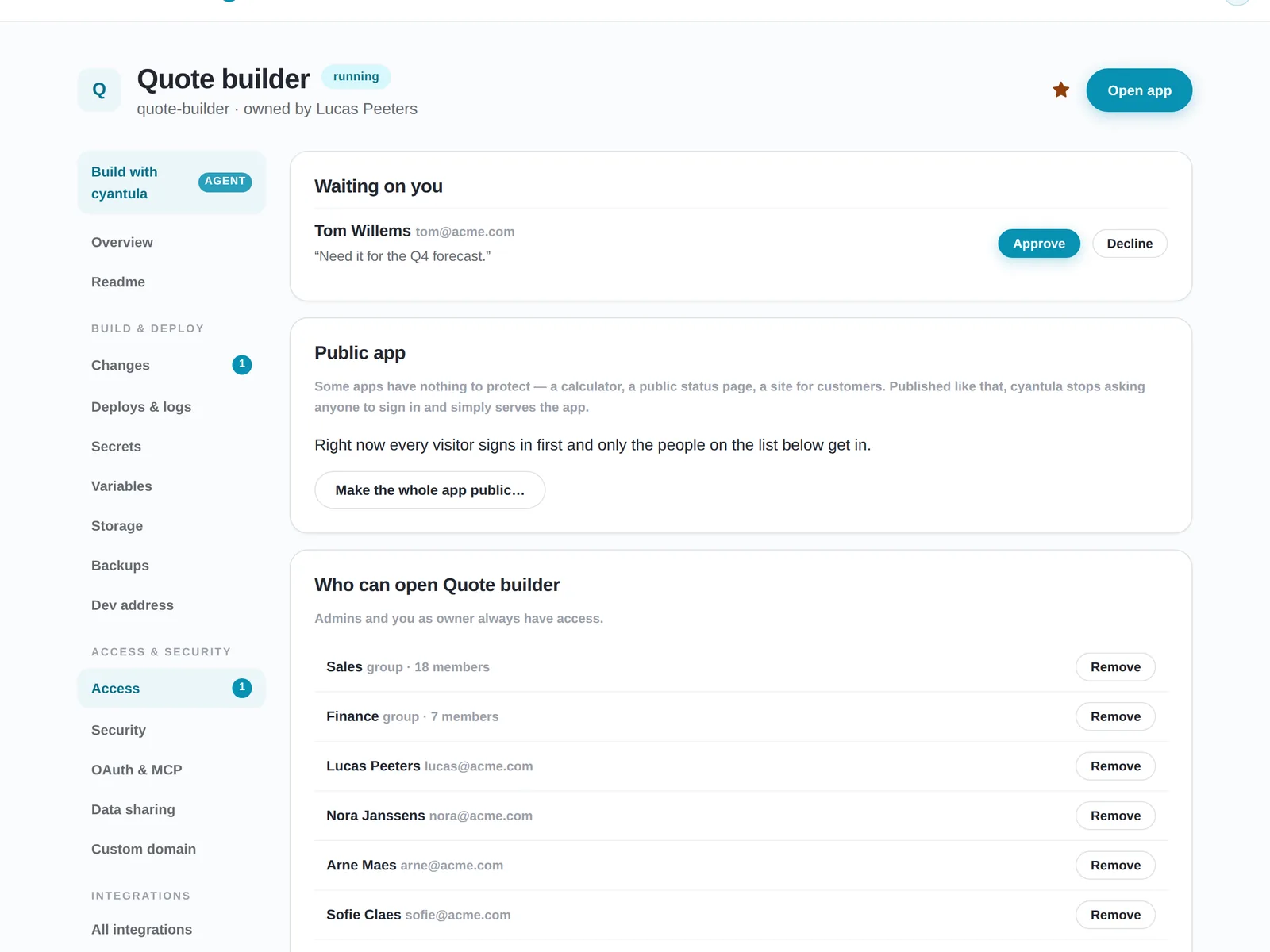
- A per-app list of who can open it, readable by IT.
- Credentials for mail, Slack and business systems, held centrally, never in the app.
- The visitor's identity, passed to the app in a form it can trust: verified, and signed, so the browser cannot forge it.
- Backups and safe deploys. The guide on running internal tools walks through those on their own.
INSIDE THE APP
What still belongs inside the app
Be honest about the rest. Validating input, checking that user A cannot see user B's records, and the business rules still belong in the app.
A gateway does not replace that. It removes the parts every app gets wrong in the same way.
BEFORE IT GETS A URL
A 5-question test before an internal tool gets a URL
Who can open it?
People, a group, or nobody outside the owner. Write the answer down.
Where do its keys live?
A file in the project is the usual answer, and the wrong one.
Can a visitor fake who they are?
If the app trusts a name the browser sends, yes.
What happens if the URL is shared outside the company?
A public URL, a partner who needs it for a week, or a colleague who should not have it yet.
Who approves access requests?
Someone has to say yes. If the answer is whoever finds the link, there is no approval.
HOW CYANTULA DOES IT
How cyantula puts the login in front
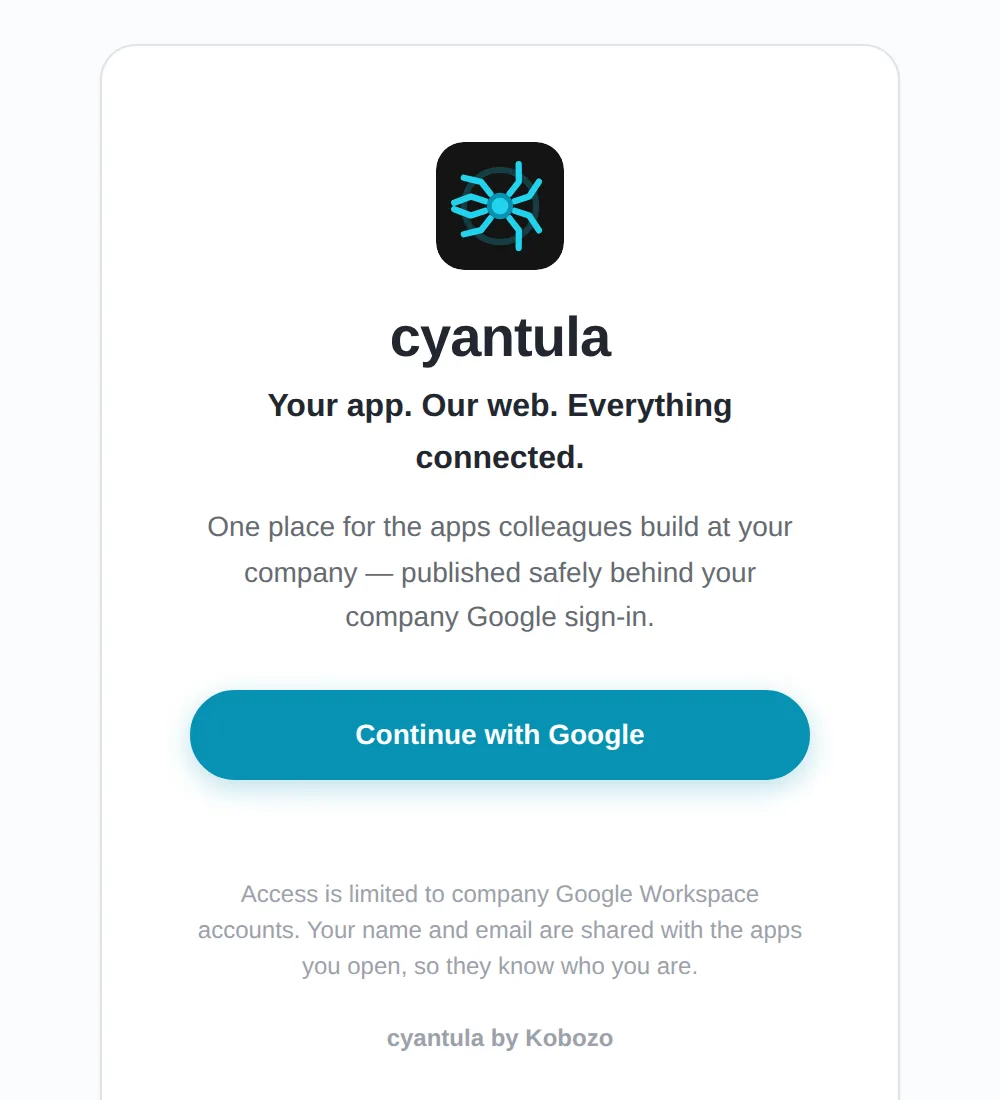
cyantula is an authenticating gateway. Your existing company login (Google Workspace today) sits in front, locked to your domain. The owner decides who gets in, people or groups, and approves requests with one click. A catalog is where colleagues ask for access.
An app is public on purpose only when you choose that, for example a calculator or a status page. Time-limited share links cover external partners. Each request reaches the app with verified identity headers and a signed identity token. The gateway strips any identity a client tries to send, and replaces it with the verified one. The app never implements login and never sees a password.
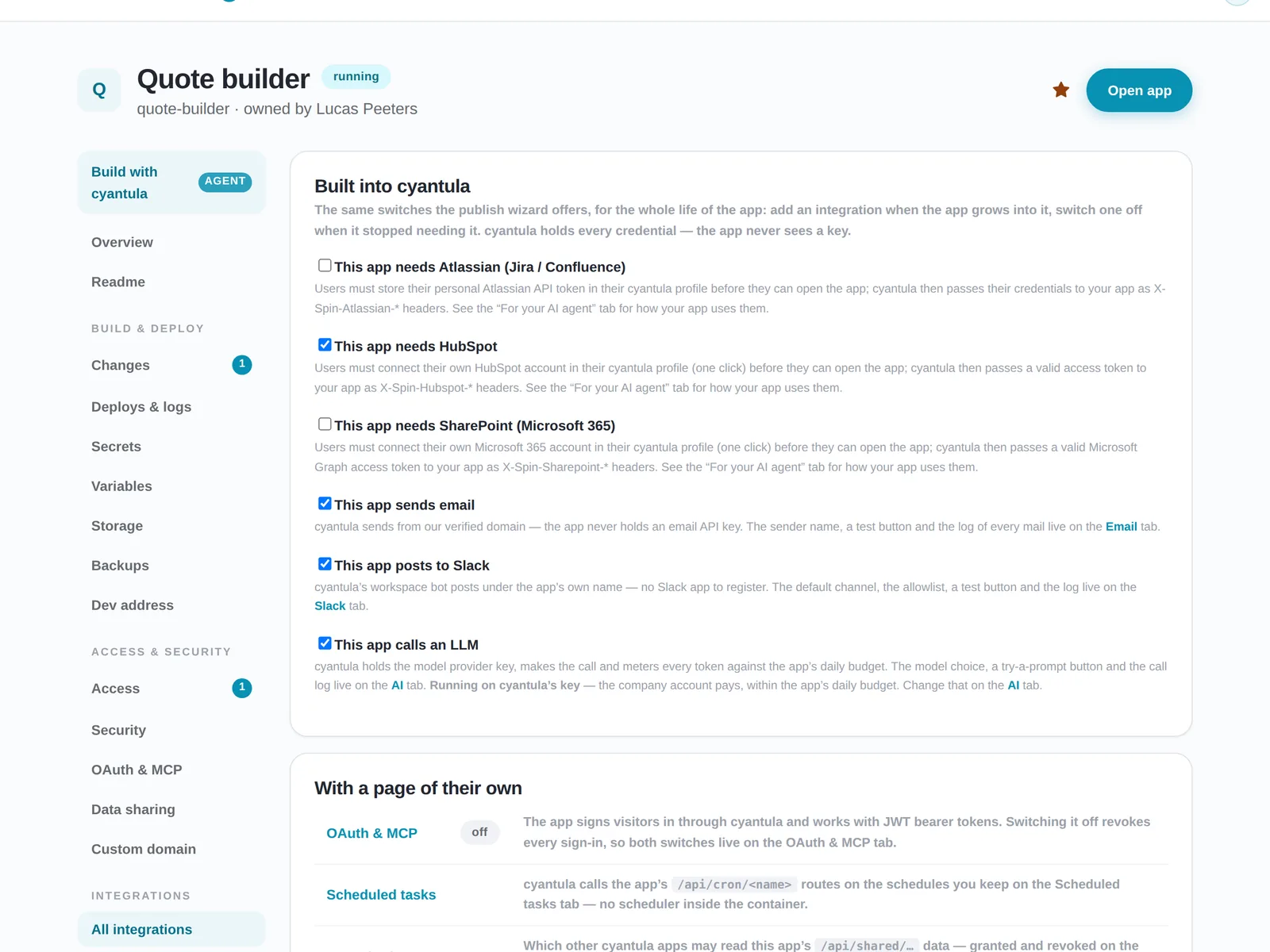
Integrations switch on per app with a tick: mail, Slack, Jira, Confluence, HubSpot, SharePoint as the visitor, an LLM with a daily budget, scheduled tasks, a status page, feedback and usage stats. cyantula holds every credential, so the app never sees a key. An AI agent goes through the same door, as the colleague it acts for, after one approval.
What the platform does puts the same door next to hosting and governance. Shadow IT is the view IT gets once every app uses that door.
Frequently asked questions
Does my internal app need its own login?
No. cyantula puts the company login in front and passes verified identity to the app. The app never implements login and never sees a password.
Where do API keys live?
In the platform. Integrations switch on per app with a tick, and the app never sees a key. cyantula holds every credential.
Can a user fake their identity to the app?
No. The gateway strips client-sent identity and replaces it with verified identity plus a signed token.
Which login does it use?
Your existing company login, Google Workspace today.
Can an AI agent use the app?
Yes. After one approval, a colleague's agent gets in as that colleague, through the same door.
See the login in front of an app
Start for free, read what the platform does, or follow running internal tools for uptime, backups and the day the builder leaves.